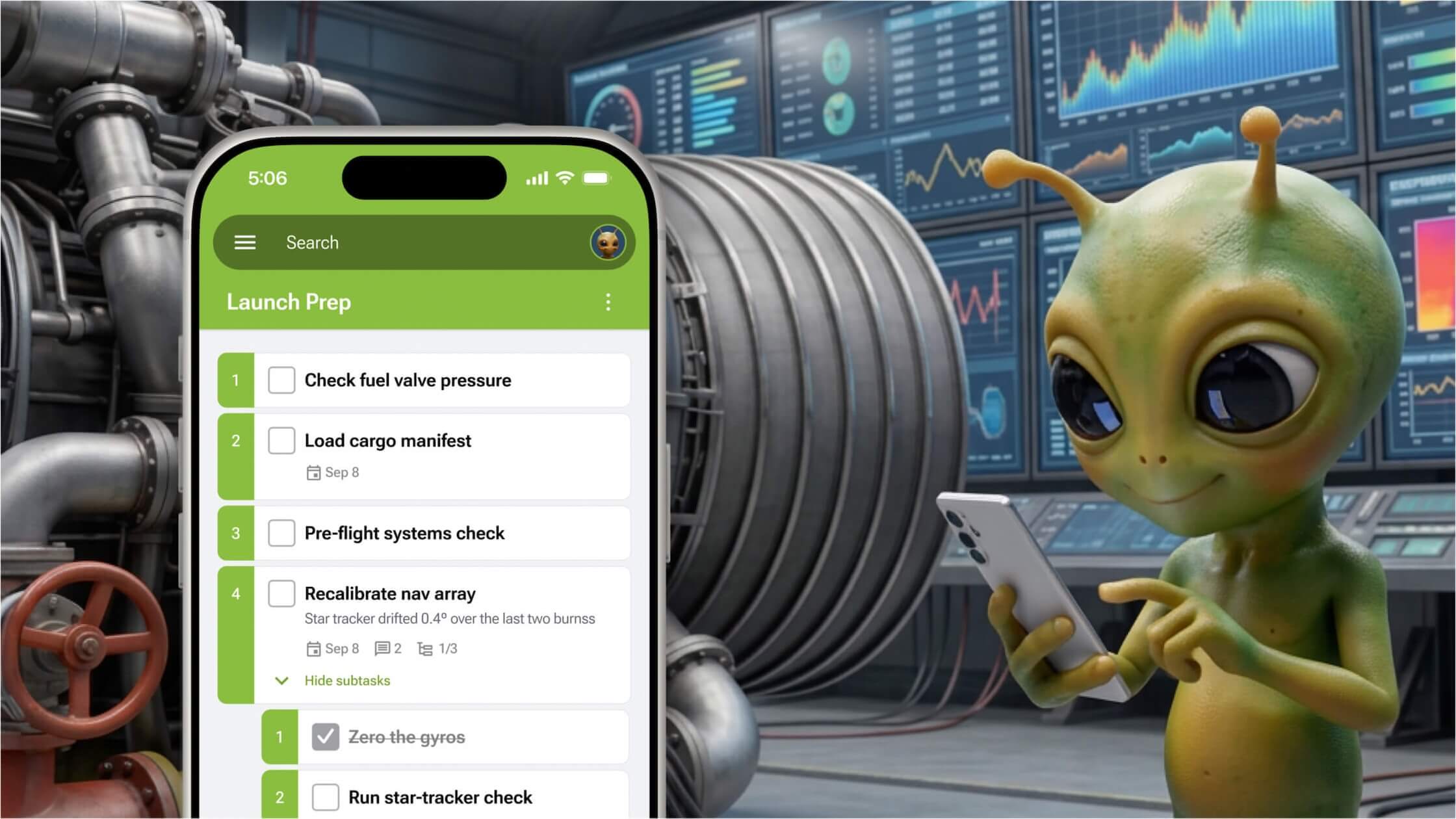
The GQueues mobile app has been rebuilt from the ground up. It’s faster to navigate, easier to read at a glance, and now included in every plan, including GQueues Lite.
Board View is our biggest interface upgrade in over a decade! Now, you can view your team’s projects in kanban-style columns that give you a complete picture of your work in an instant.
Sections are new, collapsible groups for related tasks. They are a clean way to organize tasks under a heading without adding a new layer of parent task/subtask hierarchy.
After you’ve done a group brainstorm or mapped out your project tasks, identifying where to focus time, effort, and resources is the next step. That’s why we’re excited to share two new brainstorm tools that will help you prioritize tasks quickly and effectively.
Starting today, you can add even more detail and make notes easier to read with bold, italics, and underline, plus links, bulleted lists, colors, and more!
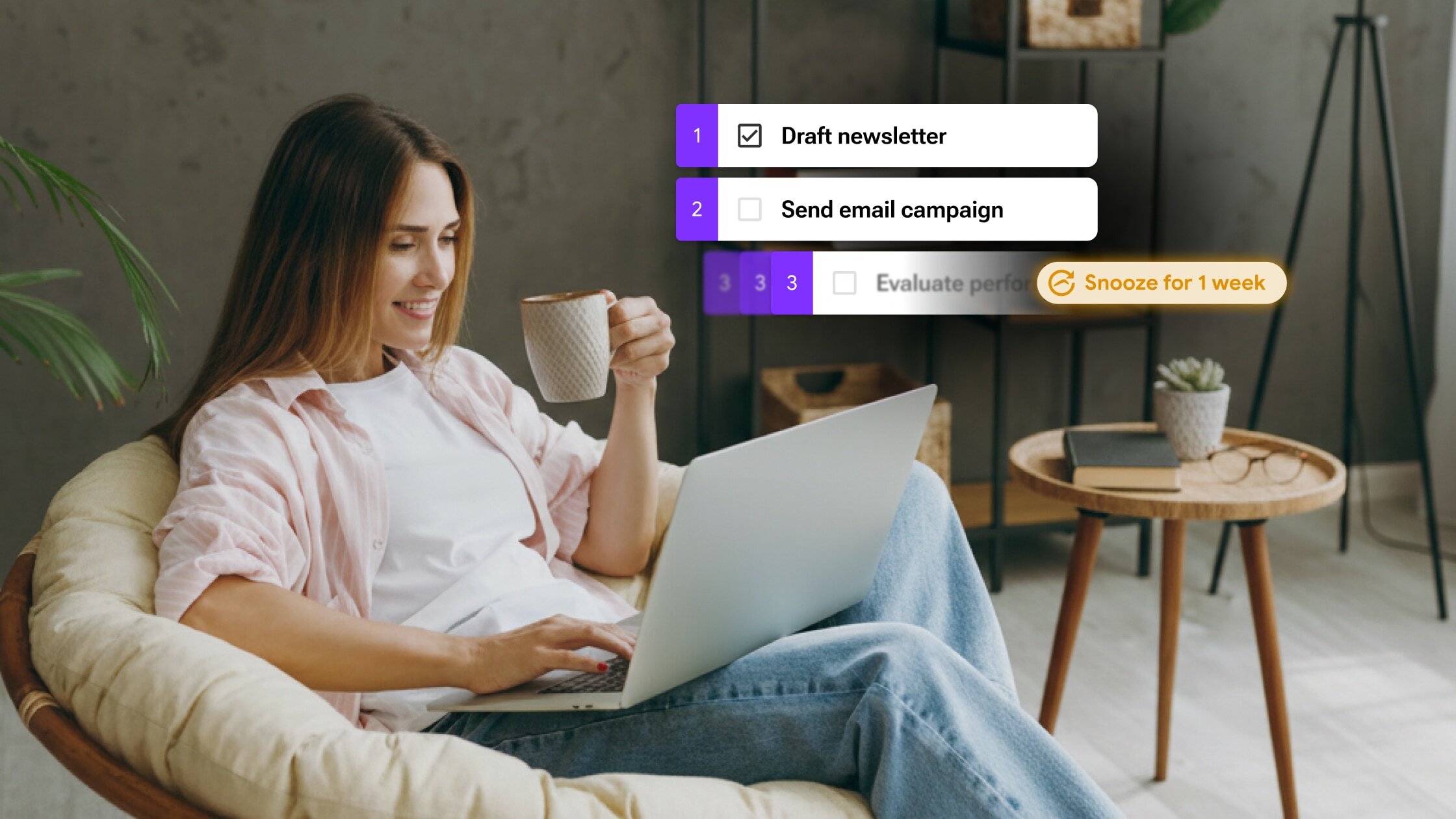
Snooze has arrived in GQueues! Hide tasks until you're ready for them and free up your mind so you can stay focused on what’s actionable now.
Discover why we're thrilled to join Boomerang and how this partnership benefits you
Why your inbox is failing as a task manager and how to fix it
Learn how Digital Media LLC uses published queues to improve communication
Best practices to manage your work better
Learn our strategy for migrating 75,000 lines of code over 5 months with no downtime
Here's how to pair the Pomodoro Technique with GQueues to accomplish more with your time


.jpg)


.jpg)

%20(1).jpg)

%20(1).jpg)


